
Move the trees. Swap the sun.
And make the sky a bit more Tuesday. Render feedback is endless when it is spread over email threads. One gallery, one set of comments, one count of rounds.
Veyra is client and project software for 3D render artists and architectural visualisation studios: enquiries, contracts signed online, renders and flythroughs reviewed in a private gallery, revision rounds counted against the agreement, and invoices with deposits and payment plans. Stills upload as TIFF or PNG, animations as MP4 or MOV, and very large files are fine. It starts at £0.
No card required. Paid plans start at £6 a month, excluding VAT.
And make the sky a bit more Tuesday. Render feedback is endless when it is spread over email threads. One gallery, one set of comments, one count of rounds.
A 4K flythrough does not fit in an email, and an expiring link is a support ticket waiting to happen. Veyra uploads big files in parts and keeps them on the project.
Architects, developers and agents run on purchase orders and payment terms. Clear invoices, payment plans and UK late payment rules help you get paid.
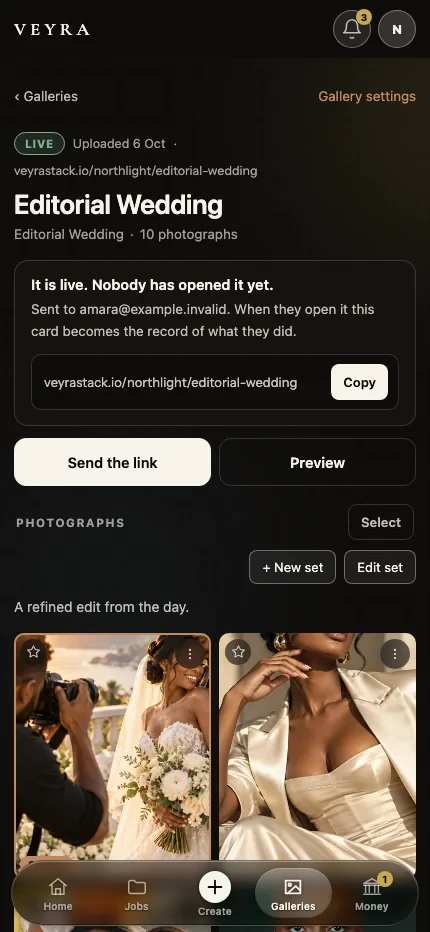
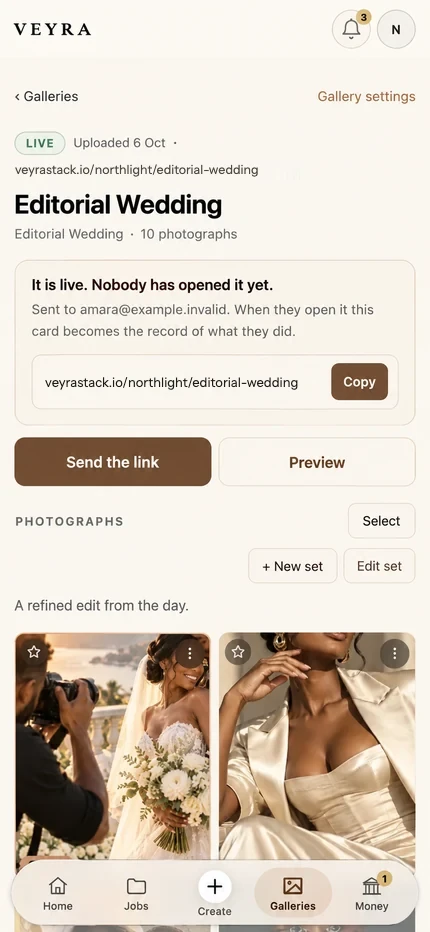
Open the project and see the signed scope, the renders in review, the rounds used, the deposit received and the balance due. Your client sees a clean link. You see everything.
1. The brief. The architect or developer sends drawings and a deadline. Add the job as a project with its value, its views and its date.
2. The scope. A proposal and a contract with the number of stills, the animation length, the revision rounds and the payment stages. Signed online.
3. The review. Upload draft stills as JPG or TIFF and flythroughs as MP4. The client comments on each file without making an account.
4. The rounds. Log each round of changes. Veyra counts them against the contract, so the fourth sun swap becomes a quote.
5. The handover. Final renders in the gallery, downloads switched on, invoice paid by card, PayPal or bank transfer. If your client is a business, UK law is on your side: with no agreed date, payment is late 30 days after the invoice, and you can claim interest at 8% above the Bank of England base rate plus a fixed £40, £70 or £100 depending on the size of the debt (GOV.UK: late commercial payments). Put the due date on the invoice anyway. Nobody enjoys quoting legislation at a client, but it is nice to know it is there.
Films, edits and the eternal “one small change”.
Brand deals, UGC, usage rights and invoices that brands actually pay.
Briefs, rounds of amends and final files that stay final.
Where Veyra started: enquiries, shoots, galleries and invoices.
Most use a mix: email for briefs, a file transfer for renders, a spreadsheet for revisions and an accounting tool for invoices. Veyra puts the client side on one record: enquiries, contracts signed online, render reviews in a private gallery, revision rounds counted against the agreement and invoices with payment plans. It starts at £0.
Stills as JPG, PNG, TIFF, WebP or AVIF, and animations or flythroughs as MP4, MOV or AVI. Files upload in parts, so very large files are fine. 3D model and scene files are not supported.
Yes. The client opens a private gallery link without an account, favourites the views they want and comments on each render.
A clear way to price is per still and per second of animation, with a set number of revision rounds included and extra rounds quoted separately. Whatever you choose, write the rounds into the contract and Veyra will count them.
Some do. For the others, UK law treats a business payment as late 30 days after the invoice when no date was agreed, and lets you claim interest at 8% above the Bank of England base rate plus a fixed £40, £70 or £100.
Free for render artists: a 3D rendering invoice template, a contract template and a 3D rendering pricing guide. See every plan on the pricing page or the wider view on the CRM for creatives page.
Create your studio free and put your next render job on one project, from brief to paid.